This is roughly my first week with Grok Bot: what I automated, what workflows I spun up, and whether any of it was actually useful.
Here’s the short version
After a week with Grok Bot, I’m impressed by how much of my work I can automate, especially recurring workflows and tasks involving multiple Bots. AEO Tracker is the best example, running every Friday without any input from me. Voice chat and Bot-to-Bot workflows are also particularly useful.
The experience isn’t perfect. Design-related tasks are still weaker than what I get from Claude, and coding tasks feels less efficient than using Grok directly in Cursor. But compared with my previous chatbot-based workflow, Grok Bot has made it possible to hand over entire processes rather than individual tasks. After one week, I’m planning to keep using it.
Before trying Grok Bot, my AI setup was basically Claude for managing my work, including content, data analysis and website design, and Cursor for building things.
I wasn’t running any AI agents before Grok Bot. I’d brief something to Claude, get a post or draft out, edit it, and move on. Claude was useful for many of my everyday tasks, particularly content creation, data analysis and web design, but nothing was fully automated. Most of my AI workflows still required me to perform an action or make a decision somewhere along the way.
My first real agentic experience was OpenClaw. The first time I tried it, I thought this was how work would eventually be automated: agents running tasks based on directions given by a human. OpenClaw showed me what that future could look like. But it wasn’t a smooth experience for me. It was costly, token-heavy, and didn’t work particularly well with my workflows. I eventually abandoned it and went back to the chatbot workflow: automate individual pieces where I could, but not the entire process end-to-end.
Then I tried Grok Bot.
I wanted to see if I could automate a workflow end-to-end without my input anywhere in the process.
One of the Bots I set up in Grok Bot is called AEO Tracker.
For SEO tracking, you’ve got tools like Ahrefs and Semrush, which work well. AEO, or Answer Engine Optimization, is different. I wanted to track whether a brand appeared in AI-generated answers for queries that potential customers might ask. I haven’t found a tool that can do this accurately without requiring another expensive subscription.
So I was doing the tracking manually. I’d check potential queries in AI tools, record whether the brand appeared and where it appeared in the answer, and then maintain the results in an Excel sheet.
This was exactly the kind of repetitive workflow I wanted an AI agent to automate.
The AEO Tracker Bot successfully did that.
I gave Grok Bot access to a Notion workspace and set up a recurring routine for AEO Tracker to run every Friday morning. It checks the queries, records the results in Notion, and sends me a summary. This has been working well.
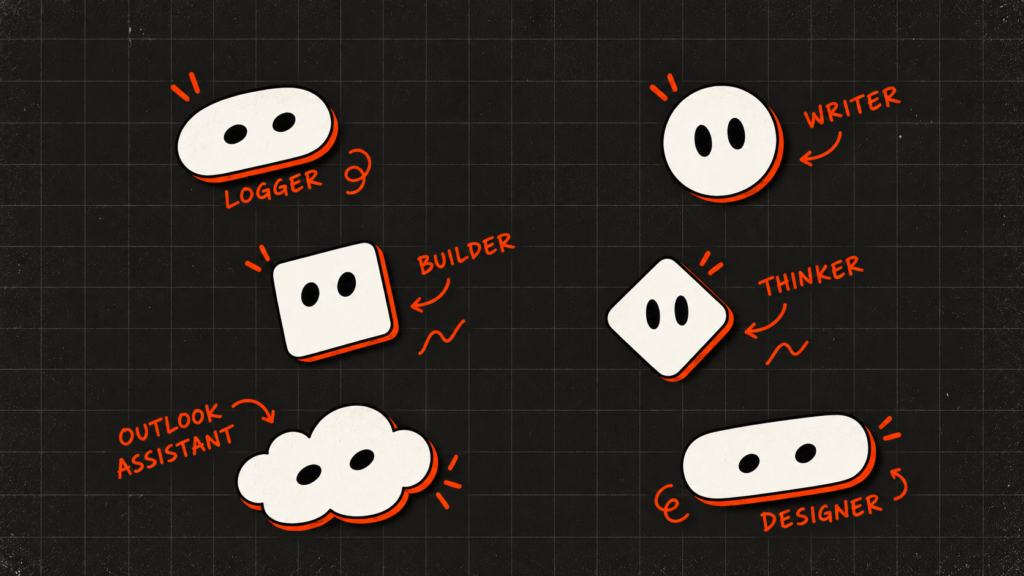
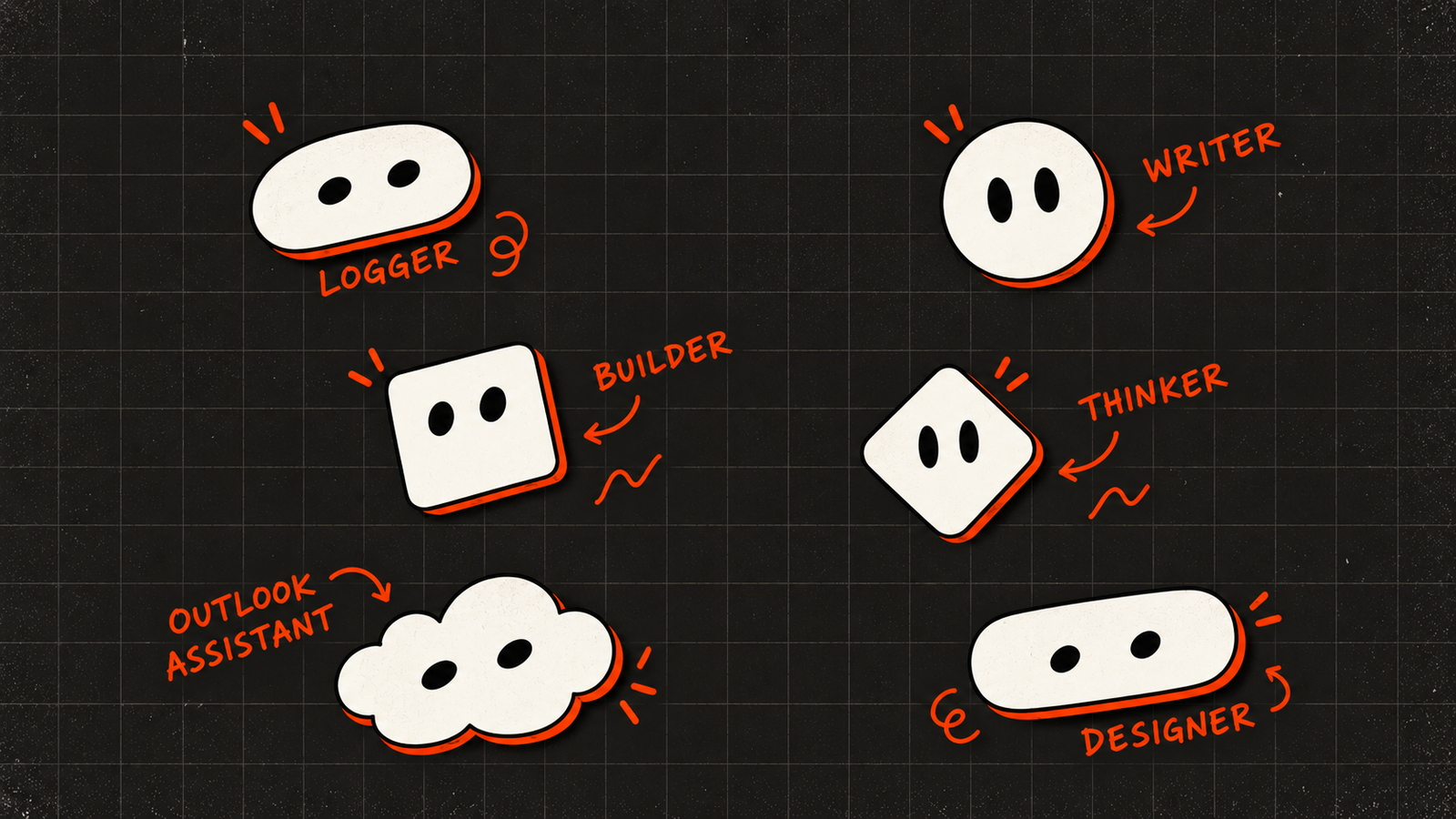
I created more Bots to help with my work: Outlook Assistant for checking my inbox and notifying me about important emails that need a response, SEO Agent for checking SEO rankings and helping with keyword research, Writer for creating different types of content, List Manager for managing my to-do list, and Logger for recording my everyday work as well as work completed by other Bots.
The Bots can also communicate with each other.
Writer and SEO Agent work together to create SEO-optimized content drafts. SEO Agent has access to Semrush, which it uses to pull ranking data and conduct keyword research. Logger checks in with the other Bots at the end of the day and records what they worked on.
That last part is particularly useful because it gives me a record of what happened across the different workflows and helps surface important decisions or changes that could have a wider impact.
On the personal side I created a couple of bots to help me with my personal projects. I created Builder to help me build websites, web apps and other things online. I also created Designer to handle design specifications, UI work and general design tasks, as well as to review work produced by Builder. Thinker handles ideas, projects and related planning.
The workflow I created between Thinker, Designer and Builder was fairly straightforward.
Thinker takes an idea from me and turns it into a draft. It then hands that over to Designer, which creates the design specifications. Designer passes those specifications to Builder, which builds the actual thing, whether it’s a website or web app or something else. Once Builder finishes, it hands the result back to Designer for review. After approval, Designer hands it back to Thinker.
I used this workflow to create an idea management platform called Atelier.
Atelier is a web app where the ideas I share with Thinker are recorded, along with notes I add over time. I can log in whenever I want and work on those ideas myself. For example, I’m using it right now as part of the process of writing this blog post.
The workflow worked well initially.
The first iteration of Atelier wasn’t particularly impressive visually, but it was functional. I could share ideas with Thinker and have them added to the app.
Making changes to the app, however, took a lot of time and consumed usage quickly. Even something as simple as changing the font size of a particular element could take more than 11 minutes.
I started noticing that the build process itself was taking a significant amount of time. Builder was spinning up Cursor cloud agents to complete tasks, and they seemed noticeably slower to me than a Cursor agent running locally.
The multi-step process involving Designer also added time. Builder would complete something, Designer would review it, and then the work would move back through the workflow.
Eventually, I realised Designer wasn’t adding much value. The designs it was producing weren’t particularly good, and its approval step wasn’t catching enough issues to justify the extra time.
So I deleted Designer.
Now Thinker and Builder work together directly.
Things that could be better
Design related tasks
Design was one of the weaker parts of my experience with Grok Bot.
Claude is still my preferred model for design-related work. I wasn’t happy with the design of Atelier, so I asked Claude to create a new front end for it and produce a design specification based on my preferences.
It did a great job. The result was much closer to what I had in mind.
I then gave the HTML files and design specification to Builder, and it was able to adapt the new design without losing the existing functionality.
For me, this ended up being a better workflow than trying to make Designer handle the entire design process.
Coding efficiency
Coding tasks could also be more efficient.
I don’t know whether this is specific to my setup, but building things with Cursor using Grok felt more efficient than asking a Bot in Grok Bot to build the same thing, even when the underlying model was the same.
Part of that may simply come down to the environment. A dedicated coding agent has a different workflow from a general-purpose Bot coordinating several steps, tools and other Bots.
Either way, if I’m doing a substantial coding task, I still prefer the direct Cursor workflow.
Things Grok Bot is great for
Recurring automated workflows
This is probably the biggest strength I’ve found so far.
Recurring routines have worked reliably for me. Once I’ve set up a workflow and given a Bot the required access, it can keep running without me having to remember to start it.
AEO Tracker is the best example. I don’t have to remember to check the queries every Friday. The Bot does it and sends me the results.
Voice chat
Voice chat is my favourite feature of Grok Bot.
The interface is intuitive and simple, and it just works well for the way I think through ideas. Sometimes I start a voice conversation and ramble for a few minutes about what I want to do. It usually manages to understand what I’m trying to get at and turn that into something actionable.
For brainstorming and giving instructions, this feels much more natural to me than sitting down and writing a carefully structured prompt.
Multiple Bots working together
The ability to have multiple Bots coordinate on a task is another feature I find genuinely useful.
Instead of having one general-purpose agent do everything, I can give different Bots distinct responsibilities. SEO Agent can handle research, Writer can handle content, and Logger can keep track of what happened.
The interesting part is not simply having multiple Bots. It’s being able to build workflows where the output from one becomes the input for another without me having to manually move the work between them.
Grok Bot vs OpenClaw and Hermes
Compared with OpenClaw or Hermes, Grok Bot feels like a more polished agentic experience to me.
OpenClaw and Hermes can be powerful, but their CLI and terminal-oriented setup can introduce a learning curve, particularly if you’re not already comfortable working from the command line.
Grok Bot abstracts much of that away. You create a Bot, give it a job, connect the tools it needs, and interact with it more like a colleague than a command-line agent.
That makes the agentic experience much more approachable.
Grok Bot’s persistent Bots, cloud computers, recurring routines and Bot-to-Bot coordination are what make it feel different from simply using a chatbot with a collection of prompts.
The Grok model has also been efficient for my workflows. Even with relatively complex AEO tasks, I haven’t hit my weekly usage limit.
Overall
After a week, I really like Grok Bot.
The biggest difference from my previous AI workflow is that I’m starting to hand over responsibility for entire processes to an AI agent rather than individual tasks to an AI chatbot.
That’s a meaningful shift.
Instead of asking AI to do something every time I need it, I’m increasingly able to give a Bot a job and let it take care of that job on an ongoing basis.
There are still obvious limitations. Design quality needs work for my use case, coding workflows can be slower than working directly in Cursor, and not every task benefits from having multiple Bots involved.
But the parts that do work are genuinely useful.
AEO Tracker is running every Friday without me thinking about it. Logger keeps track of what my Bots are doing. Thinker and Builder can take an idea and turn it into something I can actually use.
That’s enough to make me want to keep using it.
One week in, I’m not ready to hand over everything to agents. But I’m also no longer interested in going completely back to the old chatbot workflow.